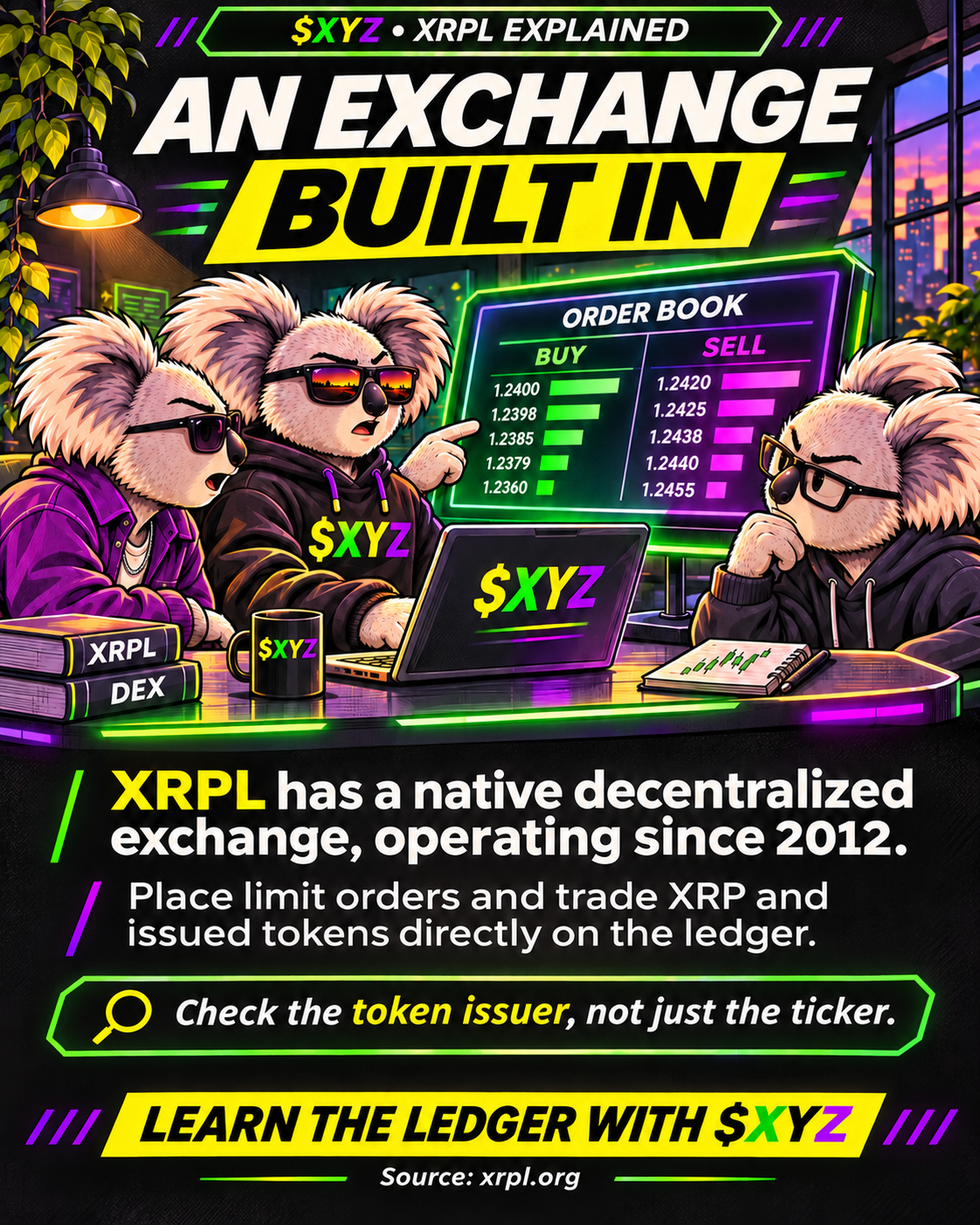
An exchange - built in
XRPL has a native decentralized exchange, operating since 2012. Place limit orders and trade XRP and issued tokens directly on the ledger.
Kev wants to buy 1,000 $XYZ and is willing to spend up to 2 XRP. He can set those terms in a limit order on the XRP Ledger’s built-in decentralised exchange, or DEX. The exchange has operated since the ledger launched in 2012 and supports trading XRP for issued tokens, as well as trading one issued token for another.
What does “built in” mean?
A wallet or trading app gives Kev a screen to place the order. When he signs and submits it, the ledger itself processes the order and records any resulting trades. XRPL calls the transaction that places the order OfferCreate. Different apps can display the same on-ledger offers, so an order placed through one app can match an eligible offer placed through another.
What happens to Kev’s limit order?
Kev’s limit works out to 0.002 XRP per $XYZ, before fees. If enough liquidity is available at that price or better, the whole order can fill straight away. If only 400 $XYZ are available within his limit, the standard order can fill that portion and leave an offer for the other 600 on the order book. It can fill later if a matching trade becomes available, and Kev can cancel the unfilled portion. A limit sets the price he’ll accept. Getting the full amount depends on the liquidity available at that price.
How does Kev know he’s trading the right token?
For a trust line token like $XYZ, the ledger identifies the asset by its currency code and issuer address together. Two issuers can use the same code, and their tokens are separate assets. Kev can compare the issuer address shown in his trading app with the one published by the project before signing the order.
Kev’s tip: After placing a limit order, check how much actually filled. A successful transaction can mean the ledger placed your offer on the book and it’s still waiting for a match.
Sources
#XRPLEducationMonth