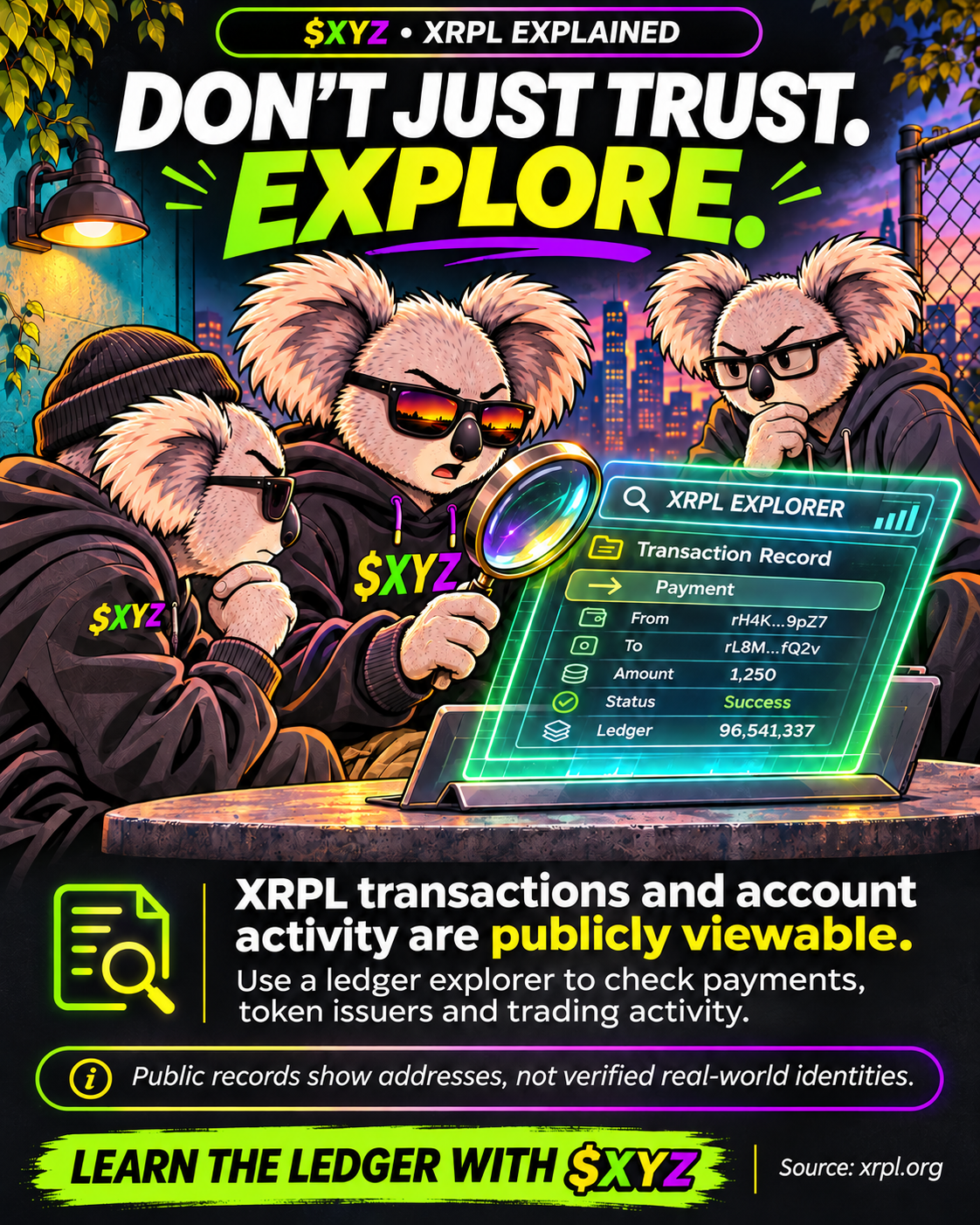
Don't just trust. Explore.
XRPL transactions and account activity are publicly viewable. Use a ledger explorer to check payments, token issuers and trading activity.
Kev’s mate says he sent 1,250 $XYZ. He gives Kev the transaction hash, a unique reference Kev can paste into an XRP Ledger explorer. The explorer shows the public record of the payment, including where it went and how much arrived.
How do you check a payment?
Open an explorer such as XRPScan and paste in the transaction hash. Check that the transaction is validated and successful, then match the destination address and the amount actually delivered. If it’s an issued token like $XYZ, check the issuer address too. For a partial payment, the amount requested and the amount received can differ. The transaction’s delivered_amount field tells you what actually arrived.
What else can you look up?
Search by account address to see its public transaction history and balance changes. You can follow a transfer between accounts, look up a token’s issuer or inspect what happened in a trade. For example, if Kev sees a large token movement, the transaction details can help him tell whether it was a wallet-to-wallet transfer or whether a trade actually took place. Both move tokens, but they tell different stories.
Can an explorer tell you who owns an address?
The ledger records addresses and their activity. Connecting an address to a person or business takes evidence from outside the ledger, such as an address published on the business’s official website. An explorer can show where funds went on-chain. A transfer alone gives you little basis to infer who controls the receiving account or why it received the funds.
Kev’s tip: Use the transaction hash to check a payment. Use the issuer address to check which token moved.
Sources
#XRPLEducationMonth