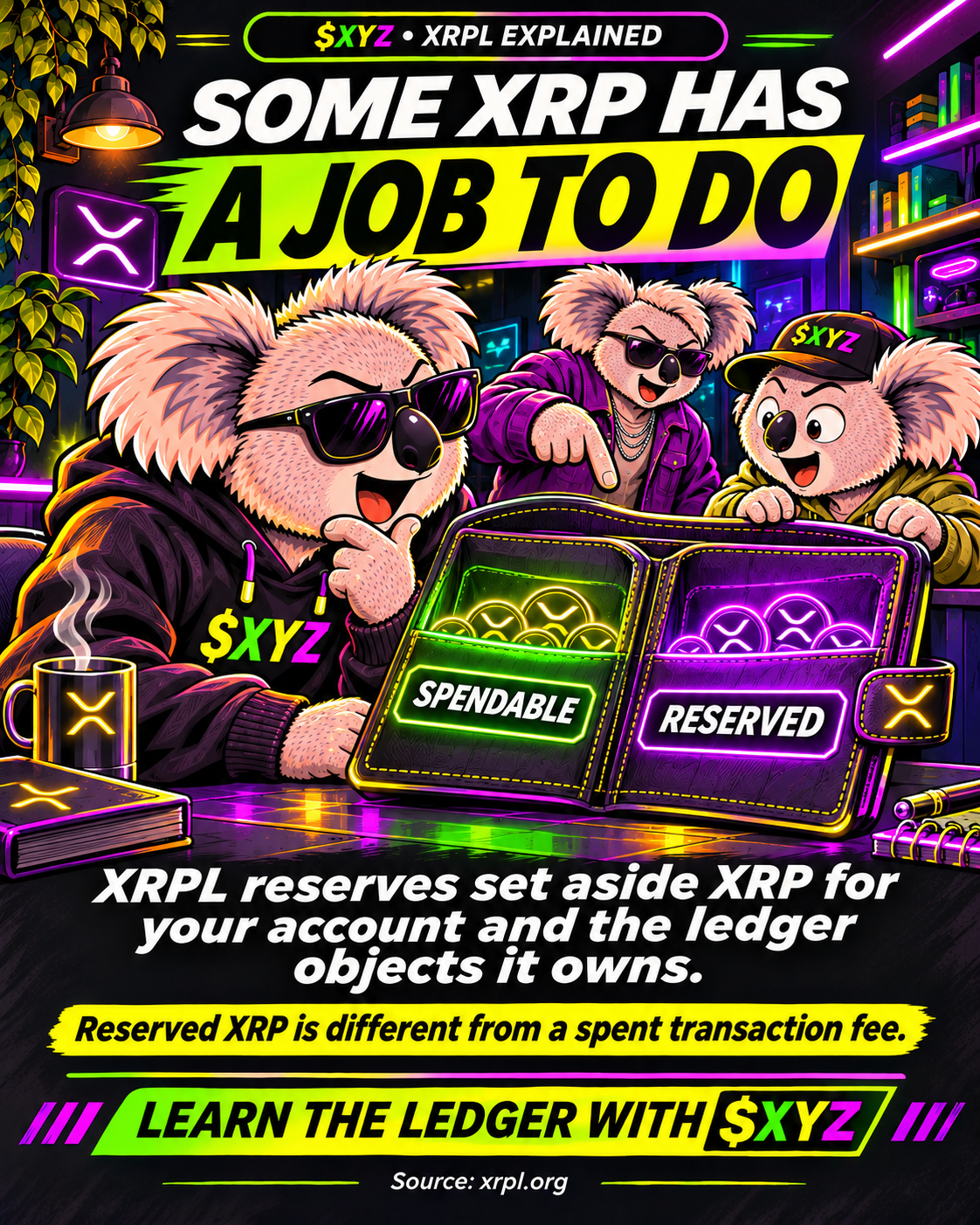
Some XRP has a job to do
XRPL reserves set aside XRP for your account and the ledger objects it owns. Reserved XRP is different from a spent transaction fee.
Kev opens his wallet and sees 20 XRP, but the amount available to send is lower. Some of his balance is needed to meet the account’s reserve requirement. That XRP is still in his account; it has not disappeared or been paid to someone else.
Why does the ledger need reserves?
Every account and many of the objects it owns take up space on the ledger. Reserves make it costly to fill that shared space with huge numbers of accounts and objects.
There are two parts: the base reserve for the account itself, and the owner reserve for qualifying objects, such as open trading offers and unused Tickets. The requirement depends on what the account owns, with special rules for some objects.
How is a reserve different from a fee?
A transaction fee is XRP consumed when a transaction is included in the ledger. That XRP is permanently destroyed, rather than paid to validators.
A reserve remains part of Kev’s balance, but normally cannot be sent to another account while it is required. Reserved XRP can still pay transaction fees.
For example, if Kev’s wallet shows 20 XRP with a 2 XRP reserve requirement, he has roughly 18 XRP available for an ordinary payment, before allowing for its fee. These figures illustrate the calculation, rather than a fixed reserve for every wallet.
Can reserved XRP become available again?
Yes. Removing an object that counts towards the owner reserve reduces the requirement. Cancelling an unused trading offer, for example, can make more of the existing balance available, although the cancellation transaction has its own fee.
The base reserve still applies while the account exists. Reserve settings can change, so check the current requirement in your wallet or the XRPL documentation.
Kev’s tip: Check both your total balance and your available balance. Before creating more ledger objects, leave room for their reserves and the transaction fees you will need.
Sources
#XRPLEducationMonth