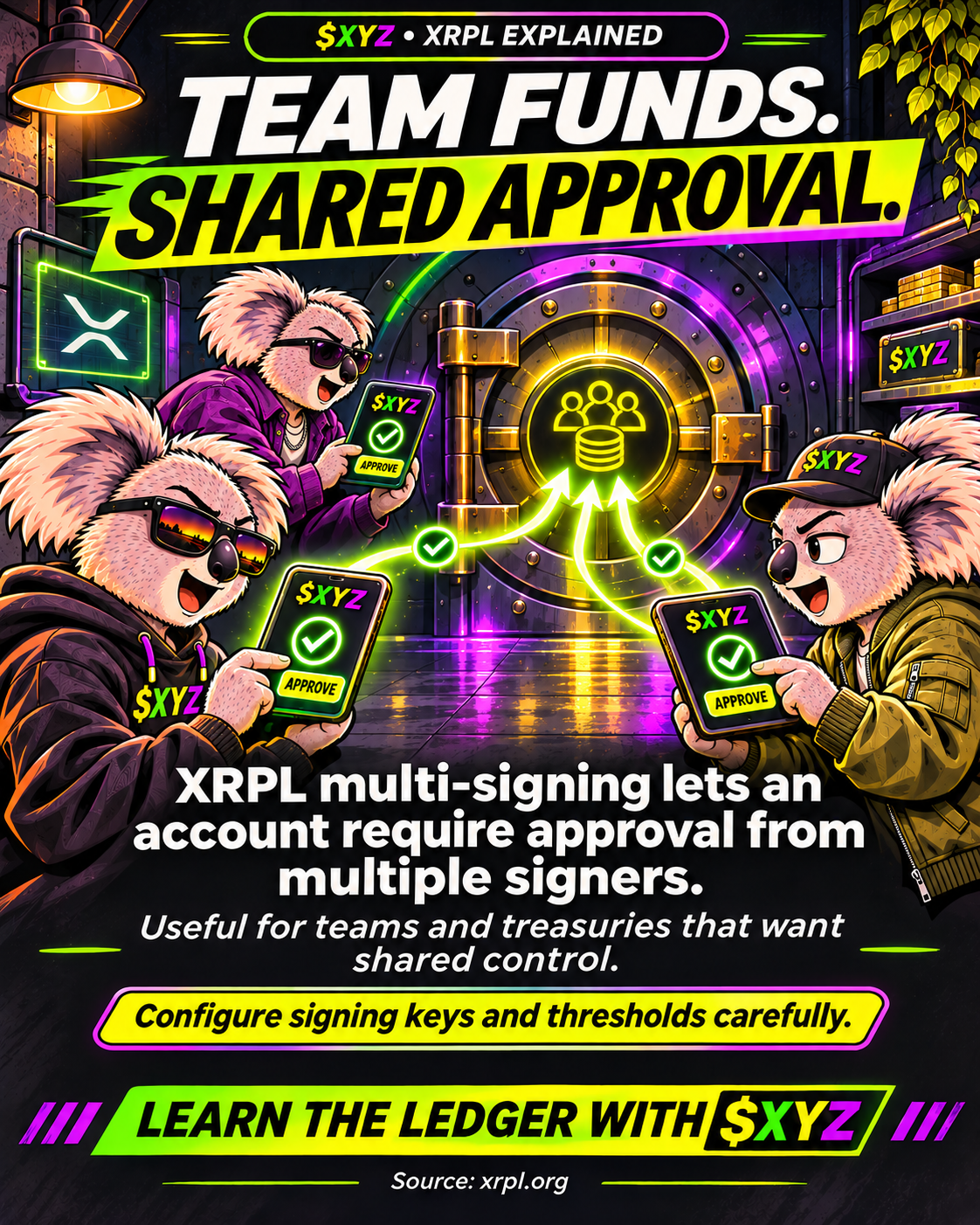
Team funds. Shared Approval.
XRPL multi-signing lets an account require approval from multiple signers. Useful for teams and treasuries that want shared control.
Kev and two mates share a treasury for community events. When it’s time to pay for the next venue, they want two people to approve the payment. The XRP Ledger can enforce that rule through multi-signing. Each person signs the same transaction with their own key, so the team can approve a payment without sharing a private key.
How does a two-of-three setup work?
The treasury account has a signer list that names the accounts allowed to approve transactions. Each signer has a weight, and the total weight needed to approve a transaction is called the quorum.
Say Kev and his two mates each have a weight of 1, and the quorum is 2. Any two of them can approve the venue payment. If Kev is away, his two mates can still pay the bill. If only one person signs, their signature alone falls short of the quorum.
Does adding a signer list require shared approval?
The signer list enables multi-signing. The treasury’s master key or any configured regular key can still authorise a transaction by itself while that signing method is enabled. If the team wants shared approval to be the only way to authorise transactions, it needs to test multi-signing, then disable the master key and remove any regular key.
What happens if someone loses access?
In Kev’s two-of-three setup, the remaining two signers can still reach quorum and approve a change to the signer list. If two signers lose access and multi-signing is the only way to authorise transactions, the remaining signer can’t move funds or replace the missing signers alone. That’s why the team needs to think about how it would recover access as well as who can approve a payment today.
Kev’s tip: Try the setup on Testnet first. Practise both making a payment and replacing a signer before relying on it for team funds.
Sources
#XRPLEducationMonth